Call center CRM software manages customer relationships, tracks sales and service interactions, and enables contact center teams to segment, engage, and communicate with customers through unified profiles and automated workflows, but what happens with that customer data varies dramatically depending on whether the CRM operates as a full-suite platform, a service-first ticketing tool, a sales-first pipeline manager, or an enterprise system integrated with ERP and back-office operations.
Call center CRM software operates as full-suite CRM (managing sales, service, and marketing in a single platform with shared customer data), service-first CRM (built around ticketing, case management, and help desk workflows), sales-first CRM (optimized for pipeline management, deal tracking, and revenue forecasting), enterprise CRM (connecting customer data to ERP, supply chain, and financial systems), industry-specific CRM (vertical compliance and workflow requirements), or AI-native CRM (predictive analytics, automated engagement, and intelligent routing as foundational capabilities).
Data integration openness and AI maturity are table stakes for call center CRM software in 2026. Buyers evaluating CRM platforms should prioritize how vendors handle data portability to adjacent systems, whether customer insights connect to QA, coaching, and performance management workflows, and how freely CRM data flows to the platforms where your contact center teams act on it.
The best call center CRM software of 2026 varies depending on the problems you're solving for. Before selecting a vendor, evaluate:
- Types of Call Center CRM Software: The differences between full-suite, service-first, sales-first, enterprise, industry-specific, and AI-native CRM platforms.
- Call Center CRM Software Features: Which vendors connect customer data to action across sales, service, and agent development vs. those generating isolated reports.
- The Hidden Cost of Gated Call Center CRM Software Data: Why CRM vendors restricting data access to proprietary ecosystems costs your contact center twice.
- Call Center CRM Software Evaluation Criteria: How vendors stack up on the criteria that matter most to CX leaders and contact center leadership.
In This Guide
- Compare Call Center CRM Software: 2026 Rankings
- What is Call Center CRM Software
- Types of Call Center CRM Software
- The Hidden Cost of Gated Call Center CRM Software Data
- Call Center CRM Software Features
- Call Center CRM Software Evaluation Criteria
- Best Call Center CRM Software (2026) Vendor Reviews
Compare Call Center CRM Software: 2026 Rankings
Compare the best call center CRM software of 2026 with 8 vendors ranked across six CRM types, evaluating each platform on its core customer management capabilities, AI and predictive intelligence, sales enablement features, and data integration openness to adjacent contact center systems.
Click any vendor name to jump to their detailed evaluation below.
| Rank | CRM Software | Overview |
|---|---|---|
| 1 | Salesforce Service Cloud | Salesforce Service Cloud CRM software delivers full-suite sales, service, and marketing capabilities through a unified data model with Einstein AI powering predictive analytics and conversational intelligence across every channel. |
| 2 | Microsoft Dynamics 365 | Microsoft Dynamics 365 CRM software provides full-suite sales and service capabilities with deep integration into Teams, Outlook, Power BI, and Azure AI for enterprise contact centers. |
| 3 | HubSpot Service Hub | HubSpot Service Hub CRM software combines sales, marketing, and service hubs in a unified interface with open API architecture and fast time-to-value deployment for mid-market contact centers. |
| 4 | Zoho CRM | Zoho CRM software provides full-suite sales, service, and marketing automation through an ecosystem of 50+ native applications with Zia AI analytics at cost-effective pricing tiers. |
| 5 | Oracle CX | Oracle CX CRM software combines sales, service, and marketing automation with deep ERP, supply chain, and financial management integration for large-scale enterprise contact center deployments. |
| 6 | Freshworks | Freshworks CRM software delivers service ticketing through Freshdesk and sales pipeline management through Freshsales with Freddy AI automation at accessible mid-market pricing. |
| 7 | Zendesk | Zendesk CRM software delivers service-first customer support through ticketing, help desk, and AI-powered automation across email, chat, phone, social, and messaging channels. |
| 8 | SAP Service Cloud | SAP Service Cloud CRM software delivers customer service and sales capabilities integrated with S/4HANA, supply chain management, and financial systems for global enterprise contact centers. |
| Review Methodology: The 8 best call center CRM software vendors are evaluated according to core CRM functionality, AI maturity, data integration openness, sales enablement capabilities, and total cost of ownership for contact center deployments. | ||
What is Call Center CRM Software
Call center CRM software manages customer relationships, tracks sales and service interactions, and enables contact center teams to segment, engage, and communicate with customers through unified profiles and automated workflows.
Call center CRM software falls into six distinct categories:
- Full-Suite CRM: End-to-end customer relationship management spanning sales, service, and marketing in a single platform with shared data across all three functions.
- Service-First CRM: Platforms built primarily for customer support and service operations, with CRM capabilities layered around ticketing, case management, and help desk workflows.
- Sales-First CRM: CRM platforms optimized for pipeline management, deal tracking, and sales enablement, with service modules available as secondary add-ons.
- Enterprise CRM: Large-scale platforms designed for complex, multi-business-unit deployments with deep ERP, back-office, and supply chain integration.
- Industry-Specific CRM: CRM solutions tailored to vertical-specific workflows and compliance requirements for industries like healthcare, financial services, and insurance contact centers.
- AI-Native CRM: CRM platforms built with artificial intelligence at the core, delivering predictive analytics, automated engagement, and intelligent routing as foundational capabilities rather than bolt-on features.
Types of Call Center CRM Software
Call center CRM software falls into six types, each addressing different layers of customer management, sales enablement, and service operations. Understanding whether a vendor delivers full-suite CRM spanning sales and marketing, service-first ticketing, sales pipeline management, or enterprise back-office integration determines which type fits your contact center.
| CRM Software Type | What It Does | Vendors |
|---|---|---|
| Full-Suite CRM | End-to-end customer relationship management spanning sales, service, and marketing in a single platform with shared data across all three functions. | Salesforce Service Cloud, Microsoft Dynamics 365, Zoho CRM |
| Service-First CRM | Platforms built primarily for customer support and service operations, with CRM capabilities layered around ticketing, case management, and help desk workflows. | Zendesk, Freshworks |
| Sales-First CRM | CRM platforms optimized for pipeline management, deal tracking, and sales enablement, with service modules available as secondary add-ons. | HubSpot Service Hub |
| Enterprise CRM | Large-scale platforms designed for complex, multi-business-unit deployments with deep ERP, back-office, and supply chain integration. | Oracle CX, SAP Service Cloud, Microsoft Dynamics 365 |
| Industry-Specific CRM | CRM solutions tailored to vertical-specific workflows and compliance requirements for industries like healthcare, financial services, and insurance contact centers. | Salesforce Service Cloud, Microsoft Dynamics 365, Oracle CX |
| AI-Native CRM | CRM platforms built with artificial intelligence at the core, delivering predictive analytics, automated engagement, and intelligent routing as foundational capabilities. | Salesforce Service Cloud, HubSpot Service Hub, Freshworks |
| Strategic Guidance: This Market Taxonomy segments call center CRM software by primary function and deployment model. Not all call center CRM software is created equal; contact center leaders and sales managers need to distinguish between full-suite platforms, service-first tools, sales-first CRM, and enterprise-grade deployments. The distinction that matters most is whether your CRM type enables or restricts data flow to the adjacent performance management, QA, and coaching platforms your contact center depends on. | ||
The Hidden Cost of Gated Call Center CRM Software Data
Call center CRM software captures some of the most valuable data in your contact center, including customer interaction history, sales pipeline activity, service case outcomes, and sentiment signals across every channel, yet the growing trend among CRM vendors to gate and restrict access to that data creates a cost most buyers don't calculate until after deployment.
CRM data gating shows up in three ways that directly impact your contact center's ability to act on the information your CRM collects.
Restricted API access and premium integration tiers force contact centers to pay additional licensing fees to move customer and sales data into adjacent platforms like performance management, QA, and coaching tools. Your CRM captures the interaction, but the insights from that interaction stay locked behind an integration paywall, disconnected from the supervisors and QA teams who need to act on them.
Proprietary AI ecosystems that prioritize internal consumption mean CRM vendors are building AI-powered analytics, sales coaching, and predictive scoring features designed to keep your data inside their platform rather than enabling it to flow to specialized, AI-native systems that serve different operational needs. Your sales recordings, customer sentiment data, and pipeline intelligence sit inside a CRM that analyzes them for its own dashboards but restricts how freely that analysis reaches your coaching workflows, performance management processes, and quality assurance evaluations.
Siloed coaching and enablement within the CRM creates a scenario where sales coaching happens in one tool, QA coaching happens in another, and performance management runs in a third, with no unified view of agent development across the contact center. CRM vendors positioning sales coaching as a native feature solve one team's need while fragmenting the broader performance management process, because coaching that lives inside a CRM doesn't connect to the QA evaluations, workforce data, and customer satisfaction metrics that drive a complete picture of agent performance.
Contact centers that evaluate call center CRM software without accounting for data portability, API openness, and integration flexibility end up paying twice, once for the CRM and again for the workarounds needed to get that data to the teams and platforms that need to act on it.
Call Center CRM Software Features
Call center CRM software features covering customer management, omnichannel communication, sales pipeline management, AI-powered intelligence, workflow automation, and data integration capabilities. Evaluate which features your contact center requires based on your CRM workflows, sales enablement needs, and whether CRM data needs to connect to QA, coaching, and performance management platforms.
| CRM Software Feature | Description & Importance | Vendors |
|---|---|---|
| Contact & Account Management | Unified customer profiles with complete interaction history, account hierarchies, and relationship mapping across sales and service touchpoints. | Salesforce, HubSpot, Zendesk, Dynamics 365, Freshworks, Zoho, Oracle CX, SAP |
| Omnichannel Communication | Native voice, email, chat, SMS, and social engagement from within the CRM, enabling agents to manage customer interactions across every channel without switching platforms. | Salesforce, Zendesk, Dynamics 365, Freshworks, Zoho |
| Sales Pipeline Management | Deal tracking, forecasting, pipeline visibility, and revenue analytics for contact center sales teams managing inbound and outbound revenue opportunities. | Salesforce, HubSpot, Dynamics 365, Zoho, Oracle CX, SAP |
| Customer Segmentation & Personas | Ability to segment audiences by behavior, demographics, purchase history, and engagement patterns, enabling persona-level communication and targeted outreach strategies. | Salesforce, HubSpot, Dynamics 365, Zoho, Oracle CX |
| Workflow Automation | Automated task routing, follow-ups, escalations, case assignment, and SLA management that reduce manual workload for sales and service teams. | Salesforce, HubSpot, Zendesk, Dynamics 365, Freshworks, Zoho, Oracle CX, SAP |
| Reporting & Analytics | Built-in dashboards, custom reports, and performance visibility across sales pipeline, service metrics, and customer engagement KPIs. | Salesforce, HubSpot, Zendesk, Dynamics 365, Freshworks, Zoho, Oracle CX, SAP |
| AI & Predictive Intelligence | AI-driven recommendations, predictive lead and case scoring, automated insights, and intelligent routing that prioritize high-value interactions and surface actionable patterns. | Salesforce, HubSpot, Dynamics 365, Freshworks, Zoho, Oracle CX |
| Sales Coaching & Enablement | Sales call recordings, coaching workflows, rep development tracking, and enablement content delivery within the CRM for sales team performance improvement. | Salesforce, HubSpot, Dynamics 365 |
| Data Integration & API Openness | Open APIs, native integrations, and data portability to external systems including performance management, QA, coaching, and workforce management platforms. | Salesforce, HubSpot, Zendesk, Dynamics 365, Freshworks, Zoho, Oracle CX, SAP |
| Compliance & Security | Role-based access controls, audit trails, data residency options, encryption, and regulatory compliance for PCI, HIPAA, GDPR, and industry-specific requirements. | Salesforce, Dynamics 365, Oracle CX, SAP |
| Customization & Extensibility | Custom objects, fields, workflows, app marketplace, and platform extensibility that allow contact centers to tailor CRM functionality to their specific operational needs. | Salesforce, Dynamics 365, Zoho, Oracle CX |
| Technical Prerequisite: While call center CRM software features like workflow automation and reporting are standard in 2026, the effectiveness of these capabilities depends entirely on data integration and API openness. Without open data portability to adjacent [performance management](https://amplifai.com/blog/call-center-performance-management-software), QA, and coaching platforms, call center CRM software generates customer insights that stay locked inside the CRM rather than driving measurable improvement across the contact center. | ||
Call Center CRM Software Evaluation Criteria
Call center CRM software evaluation criteria covering data integration openness, AI maturity, sales enablement depth, total cost of ownership, scalability, and implementation requirements. Evaluate how each vendor handles your CRM workflows and whether customer and sales data connects to coaching, QA, and performance management outcomes.
| Evaluation Criteria | What to Evaluate | Why It Matters |
|---|---|---|
| Core CRM Functionality | Contact management, account hierarchies, interaction history, and the depth of native sales and service capabilities without requiring add-on modules. | Core CRM functionality determines whether your contact center gets a complete customer view out of the box or pays incrementally for capabilities that should be foundational. |
| Data Integration & Openness | Open API access, native integration library, data export flexibility, and whether the vendor gates data portability behind premium tiers or proprietary ecosystems. | Data integration openness determines whether your CRM data reaches the [performance management](https://amplifai.com/solutions/call-center-data-integration), QA, and coaching platforms that need to act on customer and sales insights across the contact center. |
| AI Maturity | Depth of AI capabilities including predictive scoring, conversational intelligence, automated routing, and whether AI is foundational to the platform or a bolt-on feature. | AI maturity separates CRM platforms that surface actionable intelligence from platforms that add AI branding to basic automation features. |
| Total Cost of Ownership | Licensing fees, implementation costs, integration fees, API access tiers, customization requirements, ongoing admin resources, and hidden costs for advanced features. | Total cost of ownership reveals the true price of a CRM deployment, because licensing alone doesn't account for integration workarounds, premium API access, and the admin overhead required to maintain complex platforms. |
| Time to Value | Implementation timeline, onboarding complexity, out-of-the-box functionality versus customization requirements, and how quickly sales and service teams reach productive usage. | Time to value impacts ROI directly, because every month spent in implementation and customization delays the return your contact center gets from CRM investment. |
| Scalability | Multi-team, multi-location, multi-language support, and the platform's ability to grow with your contact center without requiring re-architecture or platform migration. | Scalability ensures your CRM investment supports long-term growth rather than creating a platform migration problem when your contact center expands. |
| Ecosystem Flexibility | Whether the CRM operates independently or requires a specific vendor ecosystem (Microsoft, Oracle, SAP) to deliver its full integration and AI capabilities. | Ecosystem flexibility determines whether your CRM choice locks you into a single vendor's technology stack or allows your contact center to integrate best-of-breed tools across operational functions. |
| Customer Success & Support | Implementation support quality, ongoing customer success resources, training availability, and the vendor's track record in contact center-specific deployments. | Customer success and support quality determines whether your CRM deployment achieves its potential or stalls after initial implementation, because CRM platforms require ongoing optimization to deliver sustained ROI. |
| Decision Logic: Selecting call center CRM software requires evaluating platforms on data openness and integration flexibility first, then applying the criteria most relevant to your contact center's specific scale, ecosystem, and operational requirements. Core CRM functionality is table stakes; the criteria that differentiate vendors in 2026 are data portability, AI maturity, and total cost of ownership. | ||
Best Call Center CRM Software (2026) Vendor Reviews
The best call center CRM software of 2026 ranked by coverage across CRM software types, features, and evaluation criteria. Each vendor review includes a capability breakdown, best-fit use cases, and considerations.
- Salesforce Service Cloud
- Microsoft Dynamics 365
- HubSpot Service Hub
- Zoho CRM
- Oracle CX
- Freshworks
- Zendesk
- SAP Service Cloud
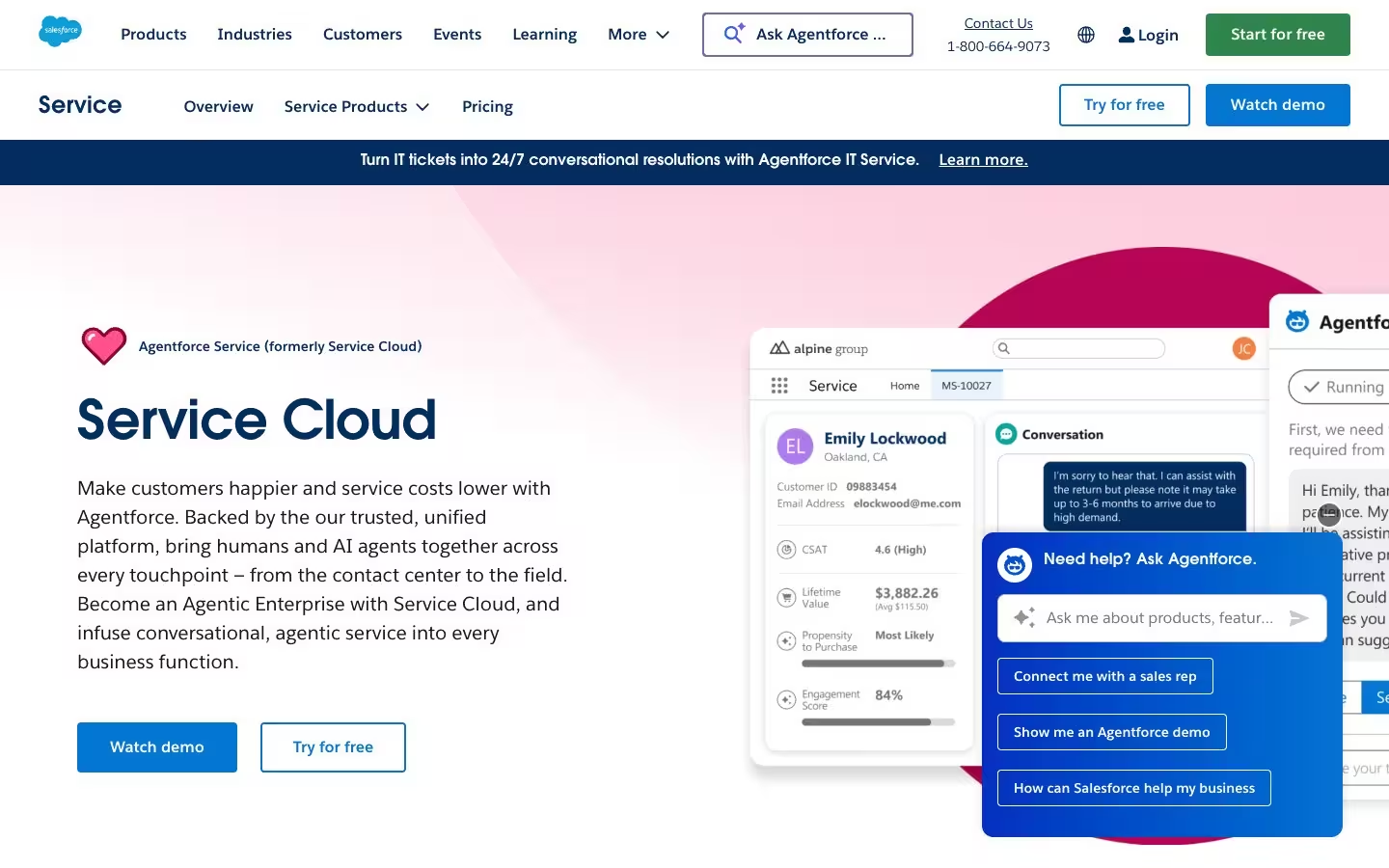
Salesforce Service Cloud CRM Software

Salesforce Service Cloud is the dominant full-suite CRM platform in the contact center market, delivering sales, service, marketing, and commerce capabilities through a unified data model with Einstein AI powering predictive analytics, automated case routing, and conversational intelligence across every channel.
Salesforce Service Cloud CRM Software Types
| CRM Software Type | Description | Salesforce Service Cloud |
|---|---|---|
| Full-Suite CRM | Manages sales, service, and marketing in one platform | ✅ |
| Service-First CRM | Built for support ticketing and case management | ✅ |
| Sales-First CRM | Optimized for pipeline and deal tracking | ✅ |
| Enterprise CRM | Multi-business-unit with ERP and back-office integration | ✅ |
| Industry-Specific CRM | Vertical-specific workflows and compliance | ✅ |
| AI-Native CRM | AI-powered analytics, routing, and automation at the core | ✅ |
Salesforce Service Cloud CRM Software Features
| CRM Software Feature | Feature Description | Salesforce Service Cloud |
|---|---|---|
| Contact & Account Management | Unified customer profiles with interaction history | ✅ |
| Omnichannel Communication | Native voice, email, chat, SMS, and social engagement | ✅ |
| Sales Pipeline Management | Deal tracking, forecasting, and revenue analytics | ✅ |
| Customer Segmentation & Personas | Audience segmentation and persona-level targeting | ✅ |
| Workflow Automation | Automated routing, escalations, and task management | ✅ |
| Reporting & Analytics | Dashboards, custom reports, and KPI tracking | ✅ |
| AI & Predictive Intelligence | Predictive scoring, automated insights, and intelligent routing | ✅ |
| Sales Coaching & Enablement | Sales recordings, coaching workflows, and rep development | ✅ |
| Data Integration & API Openness | Open APIs and data portability to external platforms | ✅ |
| Compliance & Security | Access controls, audit trails, and regulatory compliance | ✅ |
| Customization & Extensibility | Custom objects, workflows, and app marketplace | ✅ |
Standout Features & Unique Capabilities of Salesforce Service Cloud
- Deepest integration ecosystem in the CRM category with thousands of AppExchange partners that extend Salesforce Service Cloud into virtually any adjacent workflow or operational tool a contact center requires.
- Native telephony integration through Service Cloud Voice connects phone channels directly into the CRM, enabling agents to handle calls within the same interface they use for case management and customer profiles.
- Einstein AI delivers automated case classification, sentiment analysis, and next-best-action recommendations directly within agent workflows, powering predictive intelligence that surfaces actionable insights without requiring agents to leave the platform.
- Unified data model across sales, service, and marketing interactions gives contact center leaders a complete view of every customer relationship, connecting pipeline activity, support cases, and campaign engagement in a single customer profile.
Best Fit: Who Should Use Salesforce Service Cloud
- Enterprise contact centers running complex, multi-department operations that need a single CRM platform spanning sales, service, and marketing under one roof with shared customer data across every team.
- Organizations requiring deep customization and extensibility that benefit from Salesforce's platform flexibility, custom objects, and the breadth of the AppExchange marketplace to tailor CRM workflows to their specific operational needs.
- Contact centers that need AI-powered automation at scale with predictive analytics, conversational intelligence, and automated routing embedded natively into daily agent and supervisor workflows.
Considerations: What to Keep in Mind Before Choosing Salesforce Service Cloud
- Pricing scales significantly with advanced features, AI add-ons, and API access tiers, and contact centers should evaluate total cost of ownership including implementation, customization, and ongoing admin requirements rather than base licensing alone.
- Ecosystem depth means longer deployment timelines for contact centers that need deep customization beyond out-of-the-box configurations, requiring dedicated admin resources and potentially professional services investment during initial rollout.
Final Verdict: Is Salesforce Service Cloud the Right Call Center CRM Software for You?
Salesforce Service Cloud is the most complete call center CRM software on the market, covering every CRM type and feature category with deep AI, extensive integrations, and full-suite sales-service-marketing unification. Enterprise contact centers with dedicated deployment resources and enterprise-grade budgets fully leverage Salesforce Service Cloud's depth across sales, service, and marketing, making it the strongest choice when platform breadth and ecosystem extensibility drive the CRM decision.
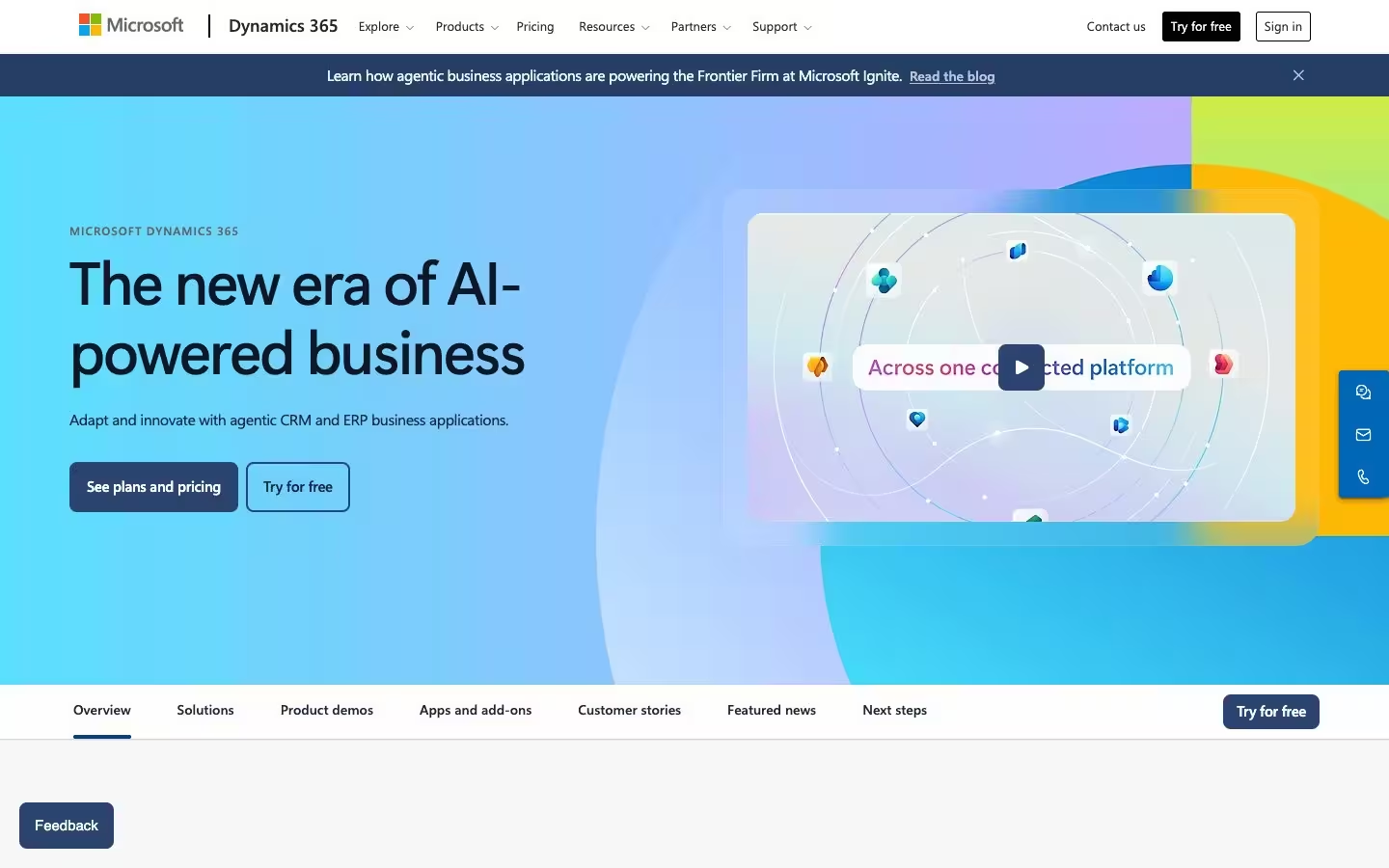
Microsoft Dynamics 365 CRM Software

Microsoft Dynamics 365 is a full-suite enterprise CRM platform that combines sales, service, marketing, and field service capabilities with deep integration into the Microsoft ecosystem, including Teams, Outlook, Power BI, and Azure AI, delivering a CRM experience embedded directly into the productivity tools contact center teams already use daily.
Microsoft Dynamics 365 CRM Software Types
| CRM Software Type | Description | Microsoft Dynamics 365 |
|---|---|---|
| Full-Suite CRM | Manages sales, service, and marketing in one platform | ✅ |
| Service-First CRM | Built for support ticketing and case management | ✅ |
| Sales-First CRM | Optimized for pipeline and deal tracking | ✅ |
| Enterprise CRM | Multi-business-unit with ERP and back-office integration | ✅ |
| Industry-Specific CRM | Vertical-specific workflows and compliance | ✅ |
| AI-Native CRM | AI-powered analytics, routing, and automation at the core | ✅ |
Microsoft Dynamics 365 CRM Software Features
| CRM Software Feature | Feature Description | Microsoft Dynamics 365 |
|---|---|---|
| Contact & Account Management | Unified customer profiles with interaction history | ✅ |
| Omnichannel Communication | Native voice, email, chat, SMS, and social engagement | ✅ |
| Sales Pipeline Management | Deal tracking, forecasting, and revenue analytics | ✅ |
| Customer Segmentation & Personas | Audience segmentation and persona-level targeting | ✅ |
| Workflow Automation | Automated routing, escalations, and task management | ✅ |
| Reporting & Analytics | Dashboards, custom reports, and KPI tracking | ✅ |
| AI & Predictive Intelligence | Predictive scoring, automated insights, and intelligent routing | ✅ |
| Sales Coaching & Enablement | Sales recordings, coaching workflows, and rep development | ✅ |
| Data Integration & API Openness | Open APIs and data portability to external platforms | ✅ |
| Compliance & Security | Access controls, audit trails, and regulatory compliance | ✅ |
| Customization & Extensibility | Custom objects, workflows, and app marketplace | ✅ |
Standout Features & Unique Capabilities of Microsoft Dynamics 365
- Native integration with Microsoft Teams, Outlook, and Power BI embeds CRM directly into the productivity tools contact center teams already use daily, enabling collaborative case management, email-to-case workflows, and custom reporting that pulls CRM data alongside operational metrics.
- Copilot AI delivers automated summaries, next-best-action recommendations, and predictive lead scoring within the CRM workflow, surfacing actionable intelligence without requiring agents or supervisors to navigate separate analytics interfaces.
- Azure cloud infrastructure provides enterprise-grade scalability, compliance certifications, and data residency options required for regulated industries, giving contact centers in healthcare, financial services, and government the infrastructure controls they need.
Best Fit: Who Should Use Microsoft Dynamics 365
- Enterprise contact centers operating within the Microsoft ecosystem that need a CRM platform tightly integrated with Teams, Outlook, Power BI, and Azure for compounding productivity gains across daily workflows.
- Organizations in regulated industries requiring enterprise-grade compliance with data residency controls, audit trails, and security certifications that Microsoft's Azure infrastructure delivers natively.
- Contact centers that need scalable AI capabilities embedded into their existing Microsoft productivity stack rather than bolted on through a separate vendor's ecosystem.
Considerations: What to Keep in Mind Before Choosing Microsoft Dynamics 365
- Strongest ROI comes from existing Microsoft ecosystem investment, and organizations running competing productivity suites or cloud platforms should evaluate whether the integration advantages justify the migration cost before committing.
- Customization depth through Power Platform is powerful but adds implementation complexity, and contact centers should plan for longer deployment timelines and dedicated admin resources compared to lighter CRM alternatives.
Final Verdict: Is Microsoft Dynamics 365 the Right Call Center CRM Software for You?
Microsoft Dynamics 365 CRM software is the strongest choice for enterprise contact centers already running Microsoft infrastructure, where native Teams, Outlook, and Power BI integration creates compounding value across daily workflows. Organizations outside the Microsoft ecosystem should carefully assess whether the migration and ecosystem commitment justify the platform's capabilities over vendor-agnostic alternatives.
HubSpot Service Hub CRM Software

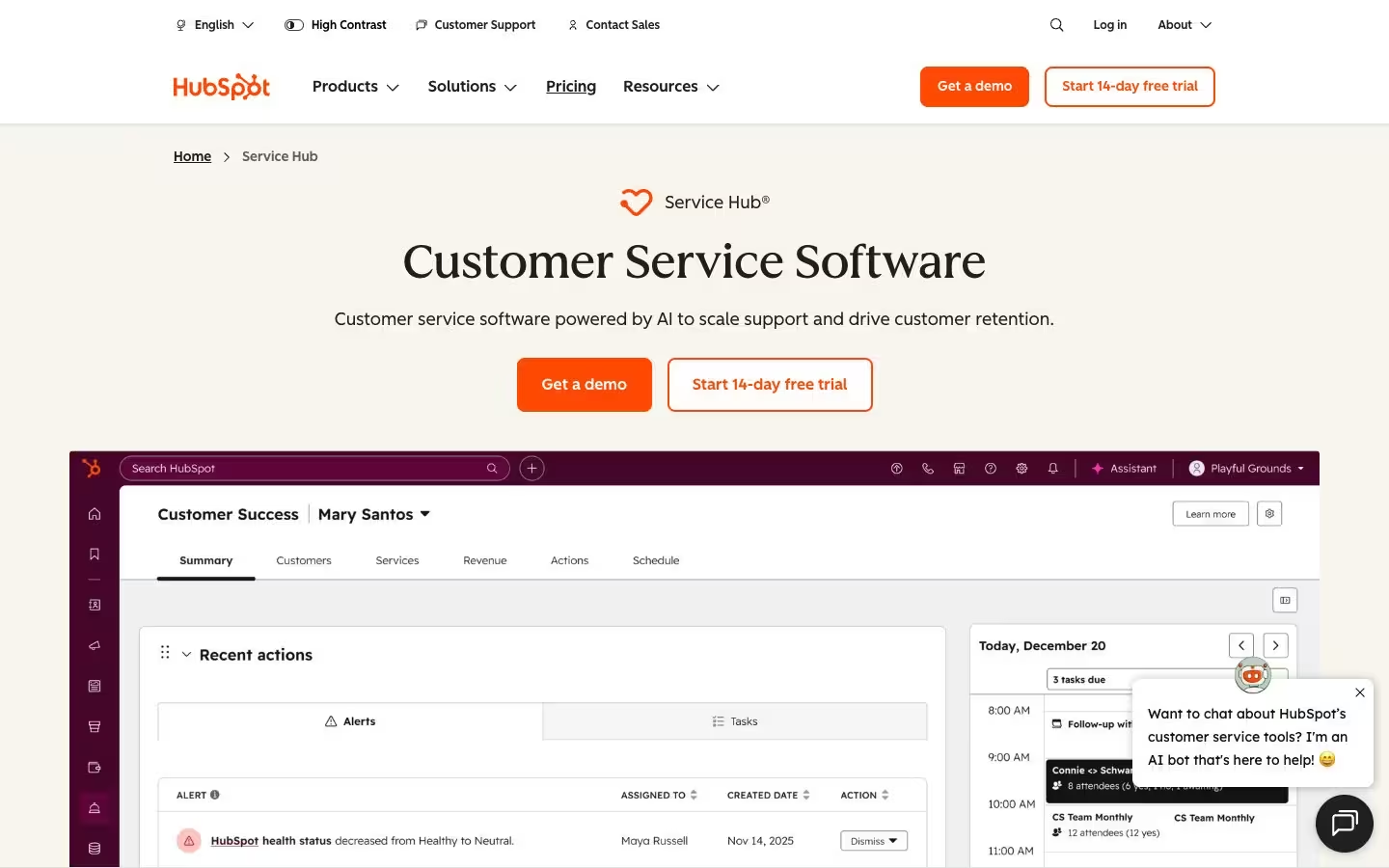
HubSpot Service Hub is a sales-first CRM platform that has expanded aggressively into customer service, combining its core sales and marketing CRM with help desk, ticketing, and customer feedback tools in a unified interface designed for mid-market contact centers that want CRM, service, and marketing automation without enterprise-level complexity.
HubSpot Service Hub CRM Software Types
| CRM Software Type | Description | HubSpot Service Hub |
|---|---|---|
| Full-Suite CRM | Manages sales, service, and marketing in one platform | ❌ |
| Service-First CRM | Built for support ticketing and case management | ✅ |
| Sales-First CRM | Optimized for pipeline and deal tracking | ✅ |
| Enterprise CRM | Multi-business-unit with ERP and back-office integration | ❌ |
| Industry-Specific CRM | Vertical-specific workflows and compliance | ❌ |
| AI-Native CRM | AI-powered analytics, routing, and automation at the core | ✅ |
HubSpot Service Hub CRM Software Features
| CRM Software Feature | Feature Description | HubSpot Service Hub |
|---|---|---|
| Contact & Account Management | Unified customer profiles with interaction history | ✅ |
| Omnichannel Communication | Native voice, email, chat, SMS, and social engagement | ❌ |
| Sales Pipeline Management | Deal tracking, forecasting, and revenue analytics | ✅ |
| Customer Segmentation & Personas | Audience segmentation and persona-level targeting | ✅ |
| Workflow Automation | Automated routing, escalations, and task management | ✅ |
| Reporting & Analytics | Dashboards, custom reports, and KPI tracking | ✅ |
| AI & Predictive Intelligence | Predictive scoring, automated insights, and intelligent routing | ✅ |
| Sales Coaching & Enablement | Sales recordings, coaching workflows, and rep development | ✅ |
| Data Integration & API Openness | Open APIs and data portability to external platforms | ✅ |
| Compliance & Security | Access controls, audit trails, and regulatory compliance | ❌ |
| Customization & Extensibility | Custom objects, workflows, and app marketplace | ❌ |
Standout Features & Unique Capabilities of HubSpot Service Hub
- Fastest time-to-value deployment in the CRM category, with a visual workflow builder and guided setup that reduces sales and service team onboarding from weeks to days.
- Native connection between marketing, sales, and service hubs means customer data flows across the entire buyer journey without requiring third-party middleware, giving teams a unified view from first touch through ongoing support.
- Open API architecture provides straightforward data access for integration with adjacent contact center platforms, making HubSpot Service Hub one of the more data-portable CRM options for teams that need CRM insights flowing to external performance management and QA systems.
Best Fit: Who Should Use HubSpot Service Hub
- Mid-market contact centers that need a unified CRM across sales, marketing, and service with fast deployment and an intuitive interface that doesn't require enterprise-level admin resources to maintain.
- Growing sales teams where the primary CRM use case spans both inbound service and outbound sales, benefiting from HubSpot's connected hub architecture that shares customer data across both functions natively.
- Organizations that prioritize open data access and need CRM data to flow freely to adjacent contact center platforms without premium API tiers or complex integration middleware.
Considerations: What to Keep in Mind Before Choosing HubSpot Service Hub
- Service capabilities serve mid-market contact centers well, with routing sophistication and compliance depth behind purpose-built service-first CRM platforms for high-volume environments.
- HubSpot's predictive analytics and sentiment analysis capabilities launched in 2024, trailing Salesforce Einstein and Microsoft Copilot by 3-4 years on conversational intelligence maturity.
Final Verdict: Is HubSpot Service Hub the Right Call Center CRM Software for You?
HubSpot Service Hub CRM software is the strongest mid-market option for contact centers that need sales, marketing, and service in one platform with fast deployment and open data access. Service depth and AI maturity are growing rapidly, with full feature parity in sales and marketing alongside expanding service and predictive capabilities that enterprise platforms achieved earlier.
Zoho CRM Software

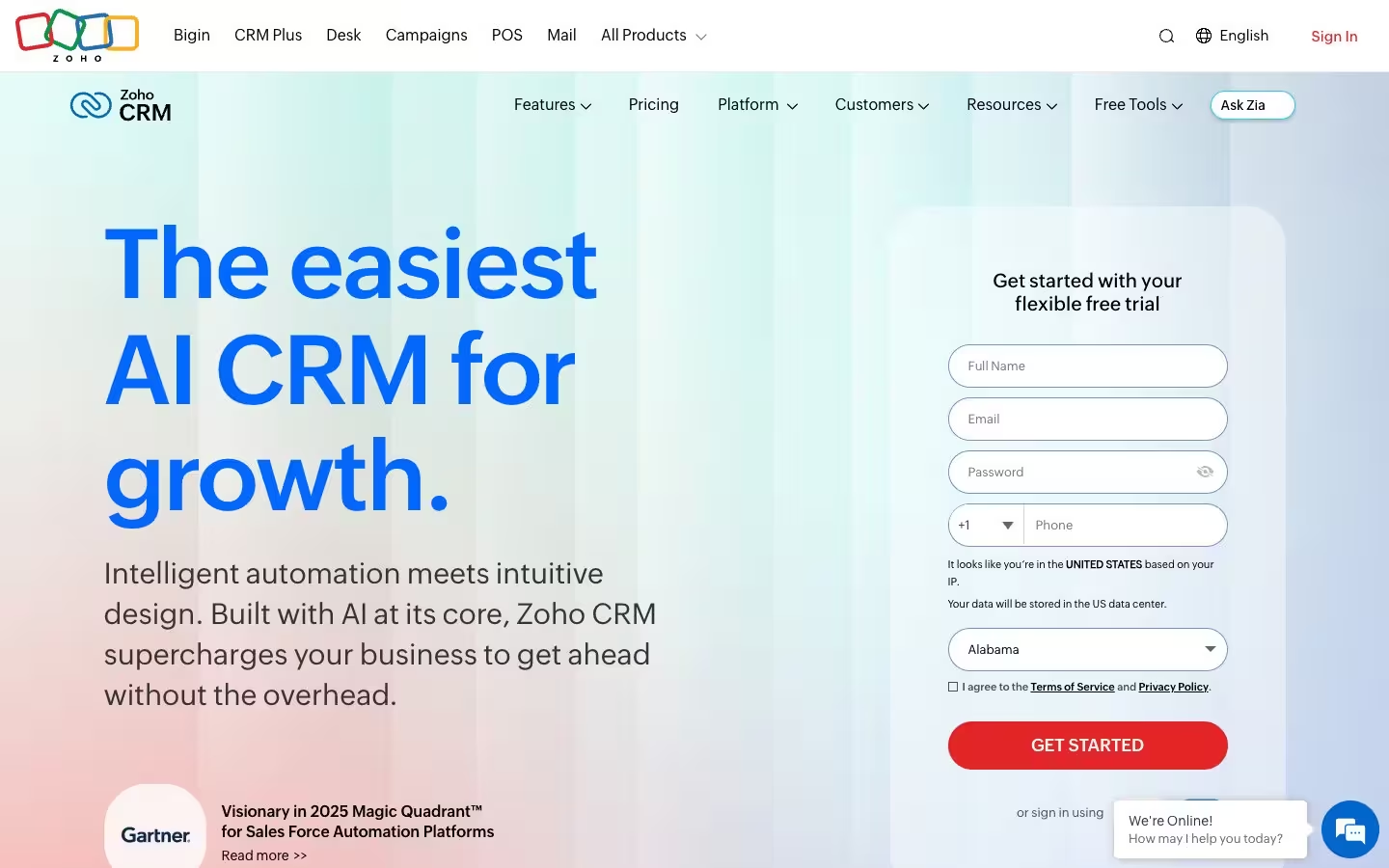
Zoho CRM is a full-suite CRM platform offering sales, service, and marketing automation through Zoho's broader ecosystem of 50+ business applications, delivering a comprehensive CRM experience with AI-powered analytics through Zia AI at a price point that makes full-suite CRM capabilities accessible to contact centers across small business, mid-market, and enterprise tiers.
Zoho CRM Software Types
| CRM Software Type | Description | Zoho CRM |
|---|---|---|
| Full-Suite CRM | Manages sales, service, and marketing in one platform | ✅ |
| Service-First CRM | Built for support ticketing and case management | ❌ |
| Sales-First CRM | Optimized for pipeline and deal tracking | ✅ |
| Enterprise CRM | Multi-business-unit with ERP and back-office integration | ❌ |
| Industry-Specific CRM | Vertical-specific workflows and compliance | ❌ |
| AI-Native CRM | AI-powered analytics, routing, and automation at the core | ✅ |
Zoho CRM Software Features
| CRM Software Feature | Feature Description | Zoho CRM |
|---|---|---|
| Contact & Account Management | Unified customer profiles with interaction history | ✅ |
| Omnichannel Communication | Native voice, email, chat, SMS, and social engagement | ❌ |
| Sales Pipeline Management | Deal tracking, forecasting, and revenue analytics | ✅ |
| Customer Segmentation & Personas | Audience segmentation and persona-level targeting | ✅ |
| Workflow Automation | Automated routing, escalations, and task management | ✅ |
| Reporting & Analytics | Dashboards, custom reports, and KPI tracking | ✅ |
| AI & Predictive Intelligence | Predictive scoring, automated insights, and intelligent routing | ✅ |
| Sales Coaching & Enablement | Sales recordings, coaching workflows, and rep development | ❌ |
| Data Integration & API Openness | Open APIs and data portability to external platforms | ✅ |
| Compliance & Security | Access controls, audit trails, and regulatory compliance | ❌ |
| Customization & Extensibility | Custom objects, workflows, and app marketplace | ✅ |
Standout Features & Unique Capabilities of Zoho CRM
- Most cost-effective full-suite CRM deployment in the market with sales pipeline management, customer support through Zoho Desk, marketing automation, and AI-powered lead scoring and forecasting available at pricing tiers significantly below enterprise competitors.
- Ecosystem of 50+ native applications including Zoho Desk, Zoho Analytics, Zoho Campaigns, and Zoho SalesIQ creates a connected suite where customer data flows across sales, service, and marketing without requiring third-party integrations.
- Open API architecture supports data portability to external platforms, enabling contact centers to move CRM data to adjacent performance management, QA, and coaching systems without proprietary lock-in.
Best Fit: Who Should Use Zoho CRM
- Cost-conscious contact centers across small business and mid-market tiers that need a full-suite CRM spanning sales, service, and marketing without enterprise-level pricing or implementation overhead.
- Organizations that benefit from a single-vendor ecosystem and prefer Zoho's broader suite of business applications to cover multiple operational needs under one platform rather than stitching together best-of-breed tools.
- Teams that need AI-powered lead scoring and forecasting at accessible price points, leveraging Zia AI without the premium licensing tiers that enterprise CRM competitors charge for comparable capabilities.
Considerations: What to Keep in Mind Before Choosing Zoho CRM
- Deploying all 50+ Zoho applications creates configuration overhead that erases the simplicity advantage for teams needing only core CRM, sales, and service modules.
- Zia AI delivers lead scoring and forecasting effectively, with conversational intelligence and predictive depth trailing Salesforce Einstein and Microsoft Copilot by 1-3 years.
Final Verdict: Is Zoho CRM the Right Call Center CRM Software for You?
Zoho CRM software delivers full-suite CRM capabilities at a fraction of enterprise pricing, making it the strongest value option for contact centers that need sales, service, and marketing automation in a single connected ecosystem. Zoho CRM delivers full-suite capabilities at a fraction of Salesforce or Microsoft licensing costs, with AI and customization depth scaling as usage grows — the right choice for contact centers prioritizing cost efficiency over platform maturity.
Oracle CX CRM Software

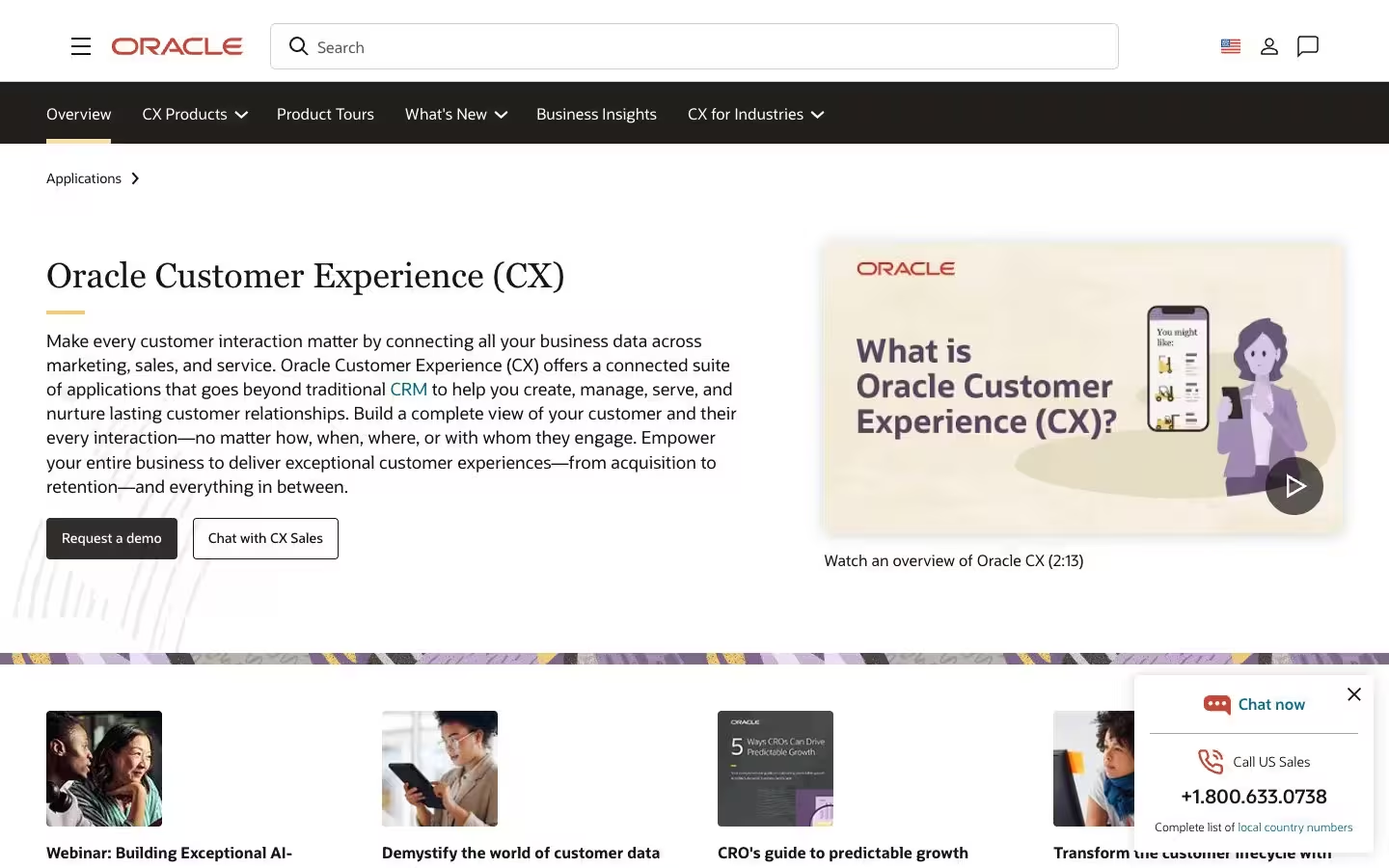
Oracle CX is an enterprise CRM platform that combines sales, service, and marketing automation with deep integration into Oracle's ERP, supply chain, and financial management infrastructure, delivering a CRM experience designed for large-scale contact center deployments where customer relationship data needs to connect directly to back-office operations, billing systems, and enterprise resource planning workflows.
Oracle CX CRM Software Types
| CRM Software Type | Description | Oracle CX |
|---|---|---|
| Full-Suite CRM | Manages sales, service, and marketing in one platform | ✅ |
| Service-First CRM | Built for support ticketing and case management | ❌ |
| Sales-First CRM | Optimized for pipeline and deal tracking | ❌ |
| Enterprise CRM | Multi-business-unit with ERP and back-office integration | ✅ |
| Industry-Specific CRM | Vertical-specific workflows and compliance | ✅ |
| AI-Native CRM | AI-powered analytics, routing, and automation at the core | ❌ |
Oracle CX CRM Software Features
| CRM Software Feature | Feature Description | Oracle CX |
|---|---|---|
| Contact & Account Management | Unified customer profiles with interaction history | ✅ |
| Omnichannel Communication | Native voice, email, chat, SMS, and social engagement | ❌ |
| Sales Pipeline Management | Deal tracking, forecasting, and revenue analytics | ✅ |
| Customer Segmentation & Personas | Audience segmentation and persona-level targeting | ✅ |
| Workflow Automation | Automated routing, escalations, and task management | ✅ |
| Reporting & Analytics | Dashboards, custom reports, and KPI tracking | ✅ |
| AI & Predictive Intelligence | Predictive scoring, automated insights, and intelligent routing | ✅ |
| Sales Coaching & Enablement | Sales recordings, coaching workflows, and rep development | ❌ |
| Data Integration & API Openness | Open APIs and data portability to external platforms | ❌ |
| Compliance & Security | Access controls, audit trails, and regulatory compliance | ✅ |
| Customization & Extensibility | Custom objects, workflows, and app marketplace | ✅ |
Standout Features & Unique Capabilities of Oracle CX
- Deepest back-office integration of any CRM platform in this guide, connecting customer interaction data directly to Oracle ERP, Oracle Financials, and Oracle Supply Chain Management to create a single data layer spanning front-office customer engagement through to fulfillment, billing, and revenue recognition.
- Oracle Adaptive Intelligence delivers predictive recommendations, automated lead scoring, and customer behavior modeling trained on the combined dataset of CRM interactions and transactional back-office data, providing intelligence that CRM-only platforms cannot generate because they lack access to operational and financial context.
Best Fit: Who Should Use Oracle CX
- Large enterprise contact centers already operating within the Oracle ecosystem that need a CRM platform deeply integrated with ERP, financial management, and supply chain infrastructure under a unified data architecture.
- Organizations where customer relationship data must flow bidirectionally between front-office engagement and back-office operations, such as enterprises where service resolution depends on real-time inventory, billing, or fulfillment data.
Considerations: What to Keep in Mind Before Choosing Oracle CX
- Purpose-built for Oracle ecosystem environments, and contact centers that don't run Oracle ERP or Oracle database infrastructure lose the primary integration advantage that justifies Oracle CX's deployment complexity and pricing.
- Implementation timelines and total cost of ownership reflect enterprise-scale deployments, and contact centers should plan for significant professional services investment during initial rollout and ongoing customization compared to lighter CRM alternatives.
Final Verdict: Is Oracle CX the Right Call Center CRM Software for You?
Oracle CX CRM software is the right choice for enterprise contact centers deeply embedded in the Oracle ecosystem, where bidirectional data flow between CRM and ERP, financials, and supply chain systems creates operational intelligence no standalone CRM can match. Organizations outside the Oracle infrastructure should look elsewhere, because without that ecosystem anchor, Oracle CX's deployment complexity and cost are difficult to justify.
Freshworks CRM Software

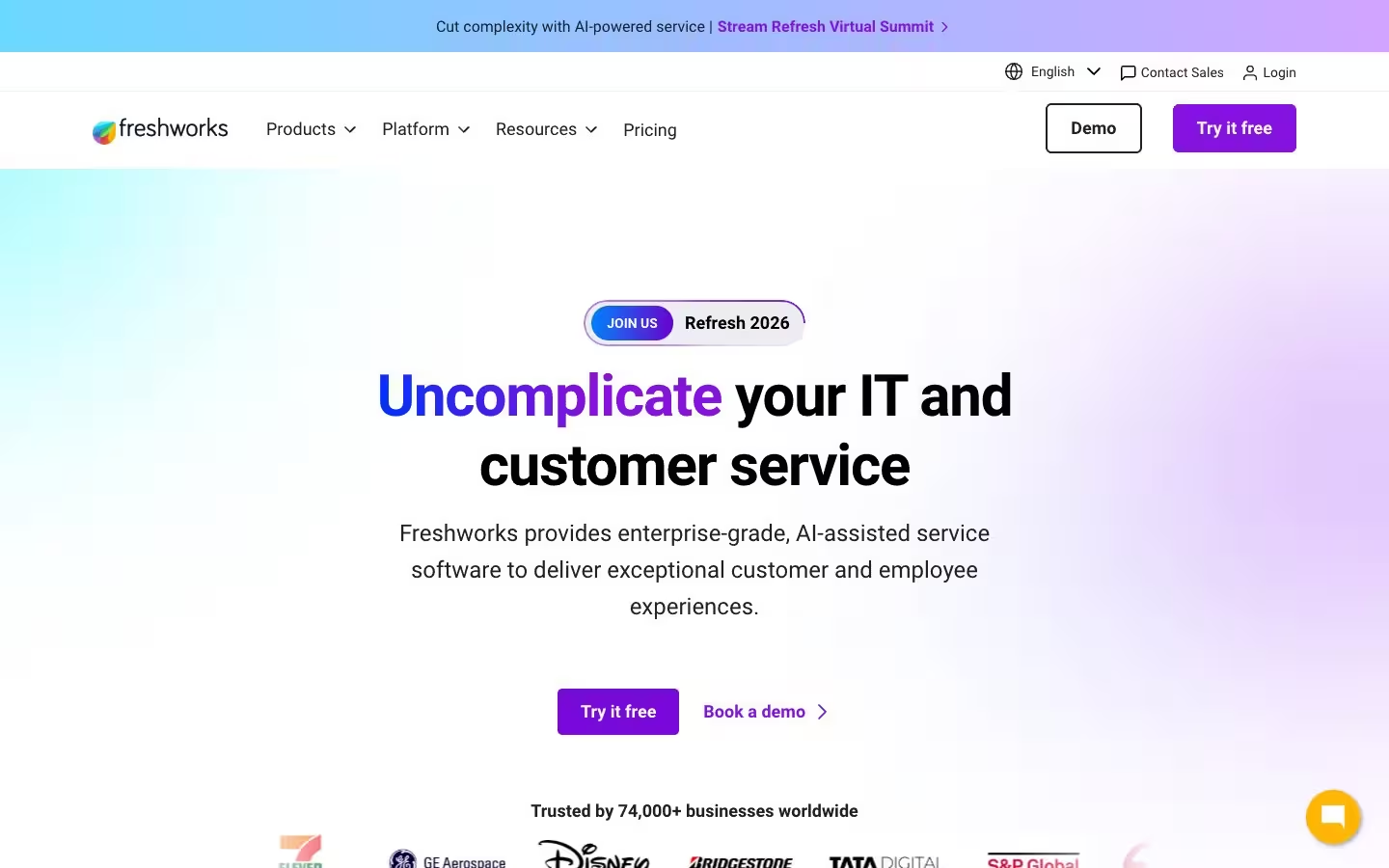
Freshworks delivers a service-first CRM platform through Freshdesk and Freshsales, combining customer support ticketing, sales pipeline management, and AI-powered automation through Freddy AI into a unified product suite designed for small to mid-market contact centers that need CRM functionality without enterprise-level pricing or implementation complexity.
Freshworks CRM Software Types
| CRM Software Type | Description | Freshworks |
|---|---|---|
| Full-Suite CRM | Manages sales, service, and marketing in one platform | ❌ |
| Service-First CRM | Built for support ticketing and case management | ✅ |
| Sales-First CRM | Optimized for pipeline and deal tracking | ✅ |
| Enterprise CRM | Multi-business-unit with ERP and back-office integration | ❌ |
| Industry-Specific CRM | Vertical-specific workflows and compliance | ❌ |
| AI-Native CRM | AI-powered analytics, routing, and automation at the core | ❌ |
Freshworks CRM Software Features
| CRM Software Feature | Feature Description | Freshworks |
|---|---|---|
| Contact & Account Management | Unified customer profiles with interaction history | ✅ |
| Omnichannel Communication | Native voice, email, chat, SMS, and social engagement | ❌ |
| Sales Pipeline Management | Deal tracking, forecasting, and revenue analytics | ✅ |
| Customer Segmentation & Personas | Audience segmentation and persona-level targeting | ❌ |
| Workflow Automation | Automated routing, escalations, and task management | ✅ |
| Reporting & Analytics | Dashboards, custom reports, and KPI tracking | ✅ |
| AI & Predictive Intelligence | Predictive scoring, automated insights, and intelligent routing | ✅ |
| Sales Coaching & Enablement | Sales recordings, coaching workflows, and rep development | ❌ |
| Data Integration & API Openness | Open APIs and data portability to external platforms | ✅ |
| Compliance & Security | Access controls, audit trails, and regulatory compliance | ❌ |
| Customization & Extensibility | Custom objects, workflows, and app marketplace | ❌ |
Standout Features & Unique Capabilities of Freshworks
- Freshdesk handles service ticketing while Freshsales manages pipeline, deployed independently or unified through shared customer data — contact centers pay only for the modules they use.
- Freddy AI routes tickets autonomously, surfaces response templates, and scores leads by conversion probability, reducing manual triage workload for mid-market teams.
- Pricing structure makes advanced CRM capabilities accessible to contact centers operating with tighter budgets than enterprise-tier alternatives require, delivering strong feature value at a fraction of the cost of platforms like Salesforce or Microsoft Dynamics 365.
Best Fit: Who Should Use Freshworks
- Small to mid-market contact centers that need focused, affordable CRM with strong service ticketing and sales pipeline capabilities without paying for enterprise-tier modules they won't use.
- Teams that prioritize fast deployment and low implementation overhead, getting productive on the platform quickly without requiring dedicated admin resources or extended professional services engagements.
- Contact centers that need AI-powered automation at accessible pricing, using Freddy AI to handle ticket routing and predictive scoring without the licensing cost that enterprise AI features carry on larger platforms.
Considerations: What to Keep in Mind Before Choosing Freshworks
- Freshworks handles standard ticketing and pipeline workflows effectively, with customization depth behind Salesforce and Microsoft for multi-department contact centers with complex routing logic.
- Freddy AI launched in 2023, trailing Salesforce Einstein and Microsoft Copilot on conversational intelligence — better suited for routine automation than advanced predictive analytics.
Final Verdict: Is Freshworks the Right Call Center CRM Software for You?
Freshworks CRM software is the best fit for small to mid-market contact centers that need separate but connected service and sales CRM capabilities at a price point well below enterprise alternatives. Freshworks delivers strong value for contact centers prioritizing fast deployment and budget efficiency, with straightforward ticketing and pipeline workflows for small to mid-market teams.
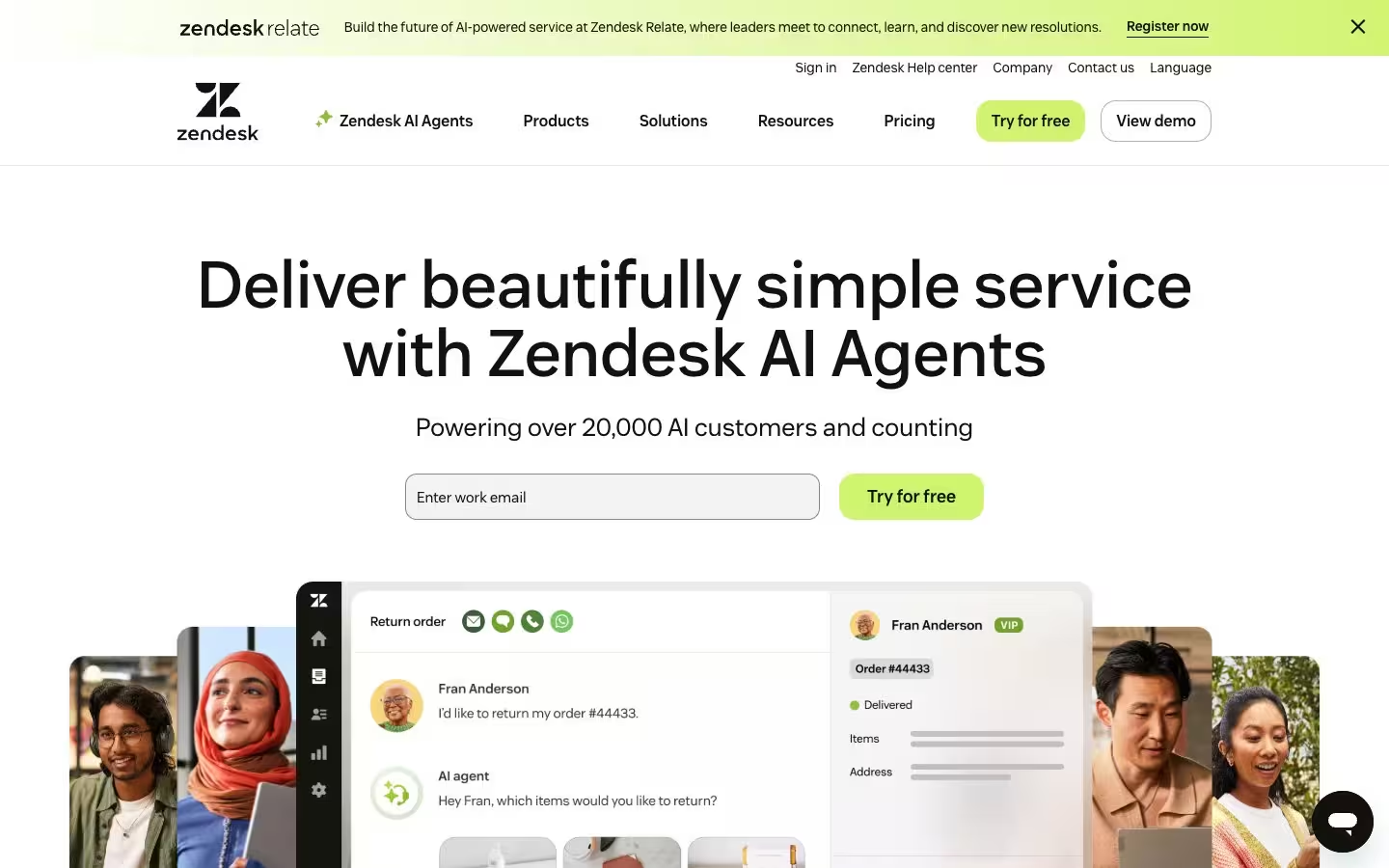
Zendesk CRM Software

Zendesk is a service-first CRM platform built around customer support operations, delivering ticketing, help desk, live chat, and knowledge base capabilities with AI-powered automation through Zendesk AI agents that handle routine inquiries and route complex interactions to the right team.
Zendesk CRM Software Types
| CRM Software Type | Description | Zendesk |
|---|---|---|
| Full-Suite CRM | Manages sales, service, and marketing in one platform | ❌ |
| Service-First CRM | Built for support ticketing and case management | ✅ |
| Sales-First CRM | Optimized for pipeline and deal tracking | ❌ |
| Enterprise CRM | Multi-business-unit with ERP and back-office integration | ❌ |
| Industry-Specific CRM | Vertical-specific workflows and compliance | ❌ |
| AI-Native CRM | AI-powered analytics, routing, and automation at the core | ✅ |
Zendesk CRM Software Features
| CRM Software Feature | Feature Description | Zendesk |
|---|---|---|
| Contact & Account Management | Unified customer profiles with interaction history | ✅ |
| Omnichannel Communication | Native voice, email, chat, SMS, and social engagement | ✅ |
| Sales Pipeline Management | Deal tracking, forecasting, and revenue analytics | ❌ |
| Customer Segmentation & Personas | Audience segmentation and persona-level targeting | ❌ |
| Workflow Automation | Automated routing, escalations, and task management | ✅ |
| Reporting & Analytics | Dashboards, custom reports, and KPI tracking | ✅ |
| AI & Predictive Intelligence | Predictive scoring, automated insights, and intelligent routing | ❌ |
| Sales Coaching & Enablement | Sales recordings, coaching workflows, and rep development | ❌ |
| Data Integration & API Openness | Open APIs and data portability to external platforms | ✅ |
| Compliance & Security | Access controls, audit trails, and regulatory compliance | ❌ |
| Customization & Extensibility | Custom objects, workflows, and app marketplace | ❌ |
Standout Features & Unique Capabilities of Zendesk
- Zendesk's ticketing and case management architecture handles high-volume support across email, chat, phone, social, and messaging without requiring sales pipeline or marketing automation configuration.
- AI agents resolve routine inquiries autonomously and route complex issues to specialized agents, reducing manual triage workload for frontline teams.
- Marketplace with hundreds of pre-built integrations extends the platform into adjacent workflows without requiring custom development, allowing contact centers to connect Zendesk to their existing operational tools quickly.
Best Fit: Who Should Use Zendesk
- Contact centers where customer support and service operations are the primary CRM use case, particularly high-volume environments that need fast ticket resolution and efficient case management across multiple channels.
- Teams that need AI-powered automation for routine inquiries to reduce agent workload and improve response times without the overhead of deploying and managing a full-suite CRM platform.
- Organizations that want a focused service platform without the complexity of managing sales pipeline, marketing automation, and multi-department CRM functionality they don't need.
Considerations: What to Keep in Mind Before Choosing Zendesk
- Zendesk excels at service ticketing and omnichannel support, with sales pipeline management, revenue forecasting, and marketing automation available only through partner integrations or a separate CRM platform.
- Zendesk API and pre-built connectors export to external performance management and QA systems, with real-time bidirectional sync requiring custom middleware for advanced data portability needs.
Final Verdict: Is Zendesk the Right Call Center CRM Software for You?
Zendesk CRM software is the best service-first option for contact centers where support operations drive the primary CRM need, delivering focused ticketing, omnichannel engagement, and AI-powered automation without the overhead of managing a full-suite platform. Contact centers running service ticketing alongside sales pipeline or marketing automation benefit from pairing Zendesk with a sales-first CRM for unified customer data.
SAP Service Cloud CRM Software

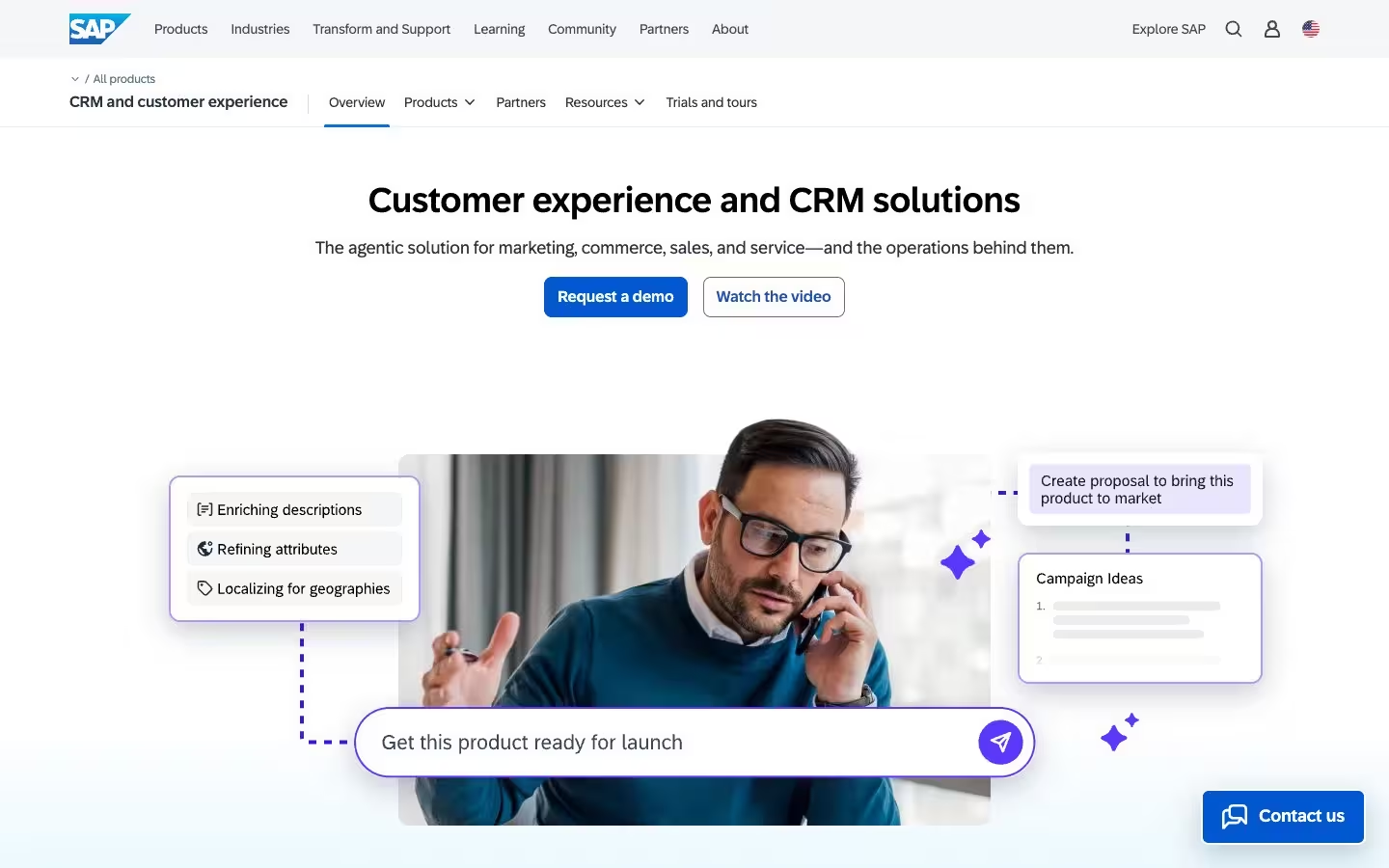
SAP Service Cloud is an enterprise CRM platform that delivers customer service, sales, and engagement capabilities tightly integrated with SAP's ERP, S/4HANA, and business technology platform, providing a CRM experience designed for global contact center operations where customer service data needs to connect directly to manufacturing, logistics, inventory, and financial systems.
SAP Service Cloud CRM Software Types
| CRM Software Type | Description | SAP Service Cloud |
|---|---|---|
| Full-Suite CRM | Manages sales, service, and marketing in one platform | ✅ |
| Service-First CRM | Built for support ticketing and case management | ❌ |
| Sales-First CRM | Optimized for pipeline and deal tracking | ❌ |
| Enterprise CRM | Multi-business-unit with ERP and back-office integration | ✅ |
| Industry-Specific CRM | Vertical-specific workflows and compliance | ✅ |
| AI-Native CRM | AI-powered analytics, routing, and automation at the core | ❌ |
SAP Service Cloud CRM Software Features
| CRM Software Feature | Feature Description | SAP Service Cloud |
|---|---|---|
| Contact & Account Management | Unified customer profiles with interaction history | ✅ |
| Omnichannel Communication | Native voice, email, chat, SMS, and social engagement | ✅ |
| Sales Pipeline Management | Deal tracking, forecasting, and revenue analytics | ❌ |
| Customer Segmentation & Personas | Audience segmentation and persona-level targeting | ❌ |
| Workflow Automation | Automated routing, escalations, and task management | ✅ |
| Reporting & Analytics | Dashboards, custom reports, and KPI tracking | ✅ |
| AI & Predictive Intelligence | Predictive scoring, automated insights, and intelligent routing | ❌ |
| Sales Coaching & Enablement | Sales recordings, coaching workflows, and rep development | ❌ |
| Data Integration & API Openness | Open APIs and data portability to external platforms | ❌ |
| Compliance & Security | Access controls, audit trails, and regulatory compliance | ✅ |
| Customization & Extensibility | Custom objects, workflows, and app marketplace | ✅ |
Standout Features & Unique Capabilities of SAP Service Cloud
- SAP S/4HANA integration connects service interactions directly to real-time inventory, order management, and supply chain visibility, enabling agents to resolve complex inquiries requiring back-office context without switching platforms.
- Global deployment capabilities support multi-language, multi-currency, and multi-entity contact center operations with data residency and compliance controls built for regulated industries across international markets, making SAP Service Cloud a natural fit for multinational enterprise contact centers.
Best Fit: Who Should Use SAP Service Cloud
- Global enterprise contact centers operating within the SAP ecosystem that need a CRM platform integrated with S/4HANA, supply chain management, and financial systems under a single data architecture.
- Manufacturing, logistics, and industrial organizations where customer service resolution depends on real-time back-office data access including inventory levels, order status, and fulfillment timelines.
Considerations: What to Keep in Mind Before Choosing SAP Service Cloud
- SAP Service Cloud delivers its strongest ROI within SAP infrastructure environments — contact centers running Oracle, Microsoft, or independent stacks deploy standalone CRM platforms faster and at lower cost.
- SAP Business AI launched in 2023, trailing Salesforce Einstein and Microsoft Copilot on conversational intelligence by 3 years — contact centers prioritizing AI-driven insights should weigh SAP's roadmap against competitors' production maturity.
Final Verdict: Is SAP Service Cloud the Right Call Center CRM Software for You?
SAP Service Cloud integrates customer service with inventory, logistics, and financial systems through native S/4HANA connectivity that standalone CRM platforms cannot replicate — the right choice for global enterprises running SAP infrastructure where service resolution depends on real-time back-office data.
Get More From Your Call Center CRM Software Data
Your CRM captures customer interactions, sales activity, and service outcomes across every channel, but that data only drives performance improvement when it reaches the teams and workflows that act on it. AmplifAI connects CRM data alongside QA evaluations, coaching workflows, and performance management into a unified platform that turns customer and sales insights into measurable agent development across your entire contact center.
Recommended Reading: Best Contact Center AI Software compares how AI-native platforms action CRM, QA, and performance data across the contact center.
Book a Demo to see how AmplifAI actions your CRM data alongside the rest of your contact center stack.
Key Takeaways
Call center CRM software in 2026 spans six distinct types, from full-suite platforms managing sales, service, and marketing to focused service-first and sales-first CRM tools, and selecting the right type for your contact center prevents costly misalignment between what you buy and what your teams actually need.
Data portability and API openness matter more than feature parity, because the growing trend of CRM vendors gating data access to proprietary AI ecosystems and premium integration tiers restricts how freely your customer and sales insights reach the performance management, QA, and coaching platforms that need to act on them.
Sales coaching and enablement inside a CRM fragments your broader performance management process, disconnecting CRM-based coaching from QA evaluations, workforce data, and customer satisfaction metrics that together drive a complete view of agent development across the contact center.
Evaluate call center CRM software on total cost of ownership, including integration fees, API access tiers, implementation complexity, and the cost of workarounds needed to move CRM data to adjacent systems, not just the licensing price for the CRM itself.
Your CRM captures every customer interaction, sales activity, and service outcome across every channel, but that data only improves agent performance when it connects to the QA evaluations, coaching workflows, and performance management systems where your frontline teams act on it.
Get More From Your Call Center CRM Software Data
AmplifAI connects CRM data alongside QA evaluations, coaching workflows, and performance management into a unified platform that turns customer and sales insights into measurable agent development across your entire contact center.
Book a Demo →